Game Development + Technical Art
I build indie game projects as both a game developer and a technical artist. Across these projects, I use Houdini wherever possible to separate design intent from low-level implementation and to build tools that are fast to iterate.
World Lattice (Procedural Worldbuilding)
Role: Developer
Engine: Unity
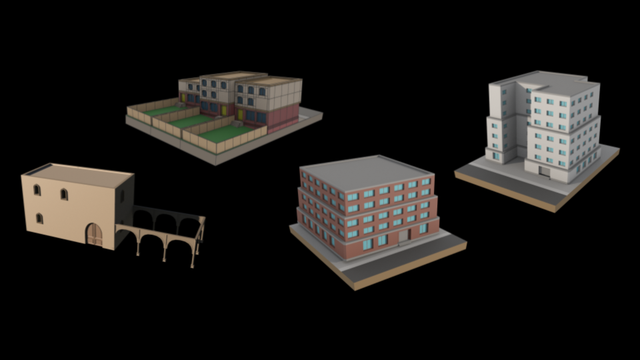
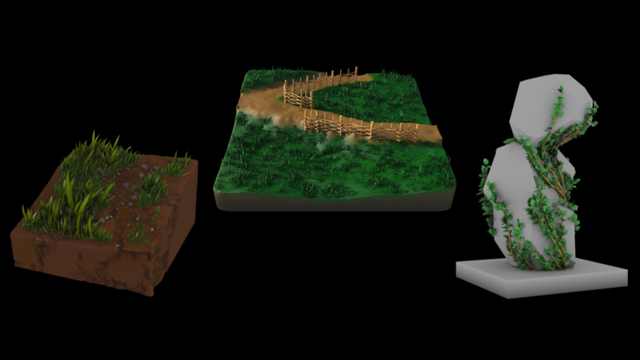
Paint something simple. Get a tiny world back. Inspired by the Wave Function Collapse (WFC) algorithm, WorldLattice turns doodles into small 3D structures with a single click.
Available on: https://hanijahan.itch.io/worldlattice
Sea Explorer
Role: Technical Artist
Engine: Unity
Sea Explorer is a small resource-based game where the player explores islands, collects materials, and returns to upgrade their boat.
Houdini Workflow
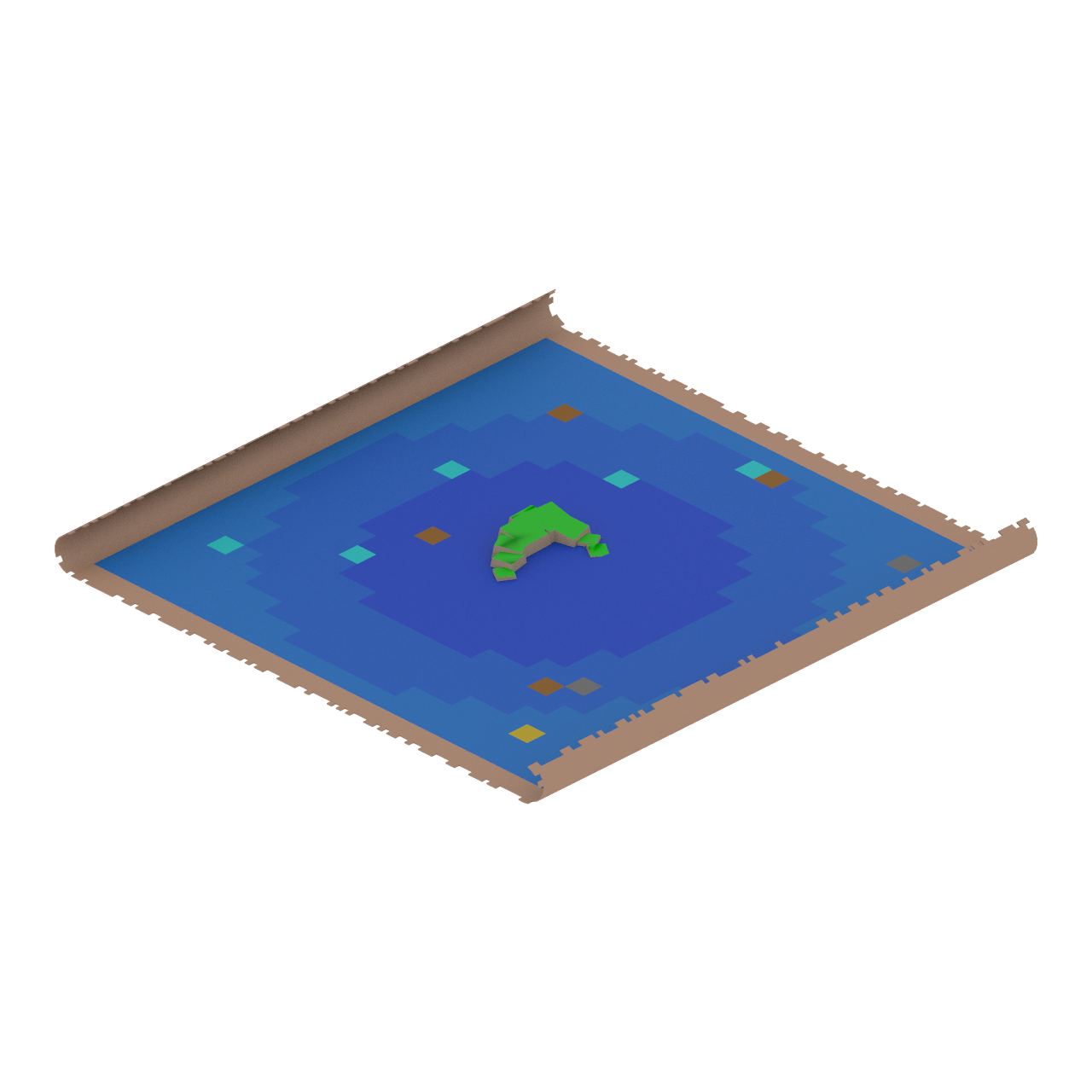
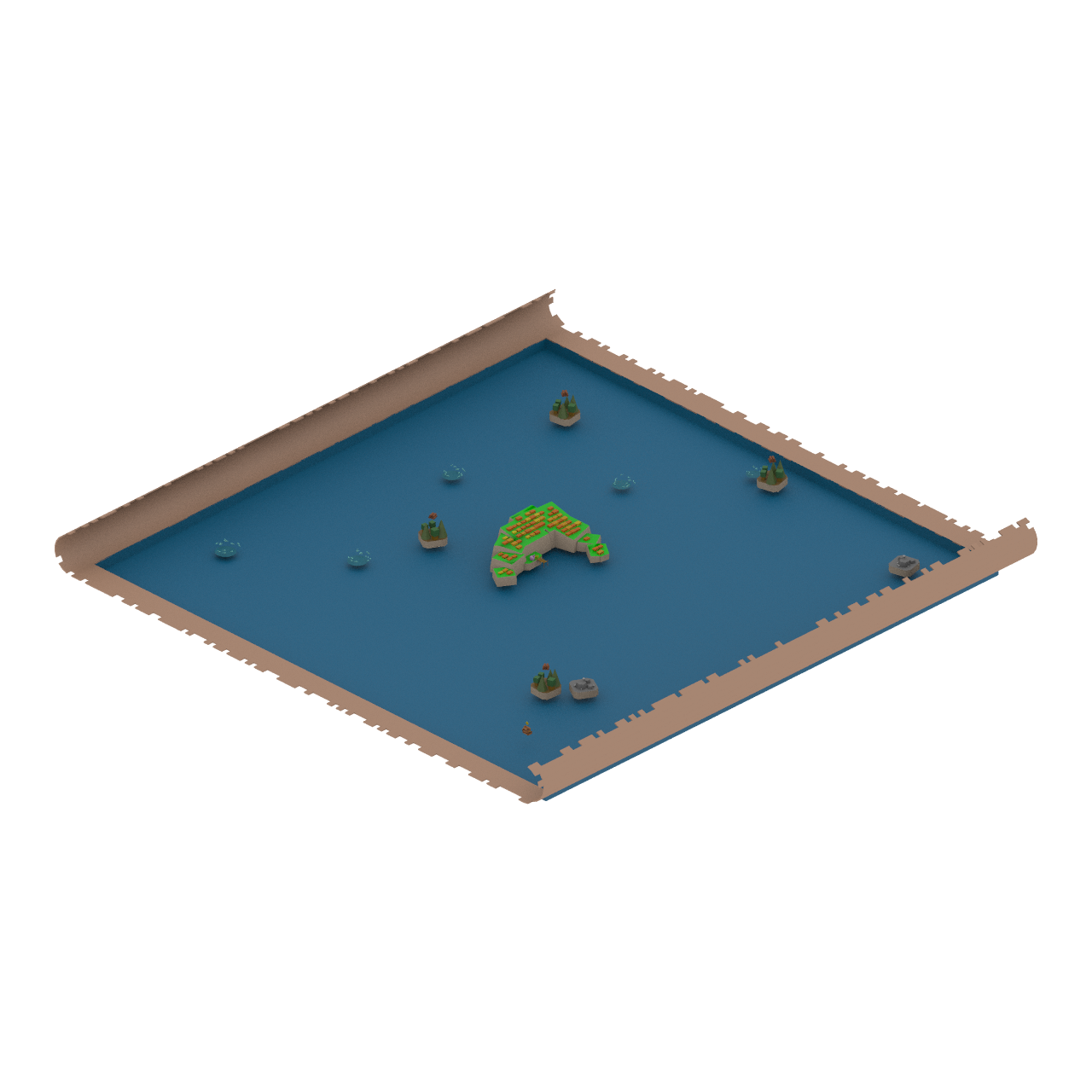
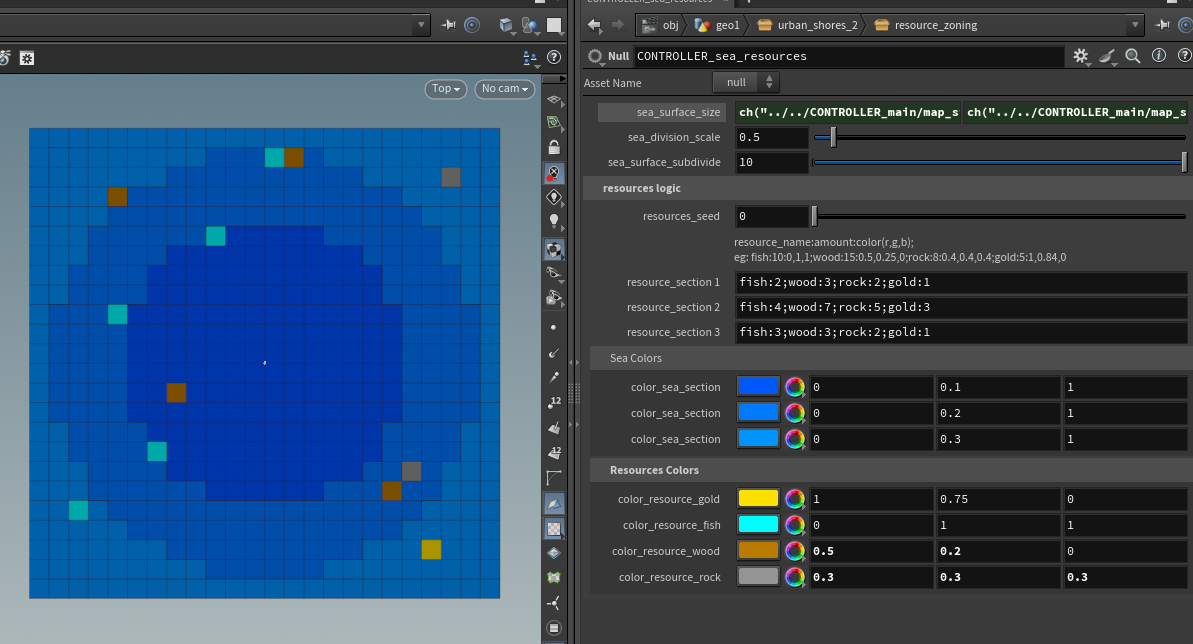
For this project, I built a custom Houdini tool — a procedural zoning system designed to assign and visualize resource distribution based on design-driven rules.
Instead of manually placing every resource in the engine, this tool allows a designer to input simple high-level string data to dictate the final layout. This approach completely separates intention from execution complexity, making the environment highly scalable, controlled, and easy to iterate on during gameplay balancing.
Designer Input Example: fish:2;wood:1;rock:0;gold:0
Resource Distribution Algorithm (VEX)
High-level designer input controlling procedural resource zoning:
// VEX
string resource_data = chs("resource_data");
// Example: "fish:2;wood:1;rock:0;gold:0"

string resources[] = split(resource_data, ";");

foreach (string res; resources) {
    string parts[] = split(res, ":");
    string resource_name = parts[0];
    int amount = atoi(parts[1]);

    setprimgroup(0, "resource_" + resource_name, ...);
}
Show full implementation
// VEX
// Full implementation here
// PARAMETERS
int total_prims = nprimitives(0);
string resource_data = chs("resource_data");  // Simplified input: "fish:2;wood:3;rock:2;gold:1"
float seed = chf("seed");

// Colors for each resource (vector parameters)
vector fish_color = chv("fish_color");
vector wood_color = chv("wood_color");
vector rock_color = chv("rock_color");
vector gold_color = chv("gold_color");

// Split the resources into individual definitions
string resources[] = split(resource_data, ";");

// Initialize a list of available primitives (to ensure no overlaps)
int available_prims[] = {};
for (int i = 0; i < total_prims; i++) {
    append(available_prims, i);
}

// Fisher-Yates Shuffle Function
void shuffle_array(int array[]; float shuffle_seed) {
    for (int j = len(array) - 1; j > 0; j--) {
        int swap_index = int(fit01(rand(shuffle_seed + j), 0, j));
        int temp = array[j];
        array[j] = array[swap_index];
        array[swap_index] = temp;
    }
}

// Shuffle the available primitives to ensure randomness
shuffle_array(available_prims, seed);

// Function to get the color for a resource
vector get_resource_color(string resource_name; vector fish_color, wood_color, rock_color, gold_color) {
    if (resource_name == "fish") return fish_color;
    if (resource_name == "wood") return wood_color;
    if (resource_name == "rock") return rock_color;
    if (resource_name == "gold") return gold_color;
    return {1,1,1};  // Default color (white) if resource not recognized
}

// Process each resource and assign primitives
foreach (string res; resources) {
    string res_components[] = split(res, ":");
    if (len(res_components) != 2) {
        warning("Invalid resource format. Each resource must have a name and amount.");
        continue;
    }

    string resource_name = res_components[0];  // Resource name
    int amount = atoi(res_components[1]);      // Amount to select

    // Ensure we don't exceed available primitives
    amount = min(amount, len(available_prims));
    vector color = get_resource_color(resource_name, fish_color, wood_color, rock_color, gold_color);


    // Select unique primitives for this resource
    for (int i = 0; i < amount; i++) {
        int selected_prim = available_prims[i];  // Take shuffled primitive
        setprimgroup(0, "resource_" + resource_name, selected_prim, 1, "set");

        if (@primnum == selected_prim) {
            @Cd = color;
        }
    }

    // Remove the used primitives from the available list
    available_prims = slice(available_prims, amount, len(available_prims));
}

// Assign all remaining primitives to the "sea" group
foreach (int prim; available_prims) {
    setprimgroup(0, "sea", prim, 1, "set");
}
Output: Creates primitive groups (resource_fish, resource_wood, etc.), colors @Cd, and groups unassigned tiles as "sea"
Mount Roller Dispatch
Role: Technical Artist
Engine: Unity
Deliver packages across two upside down cities.
Available on: https://sarahno.itch.io/mount-roller-dispatch
Houdini Workflow
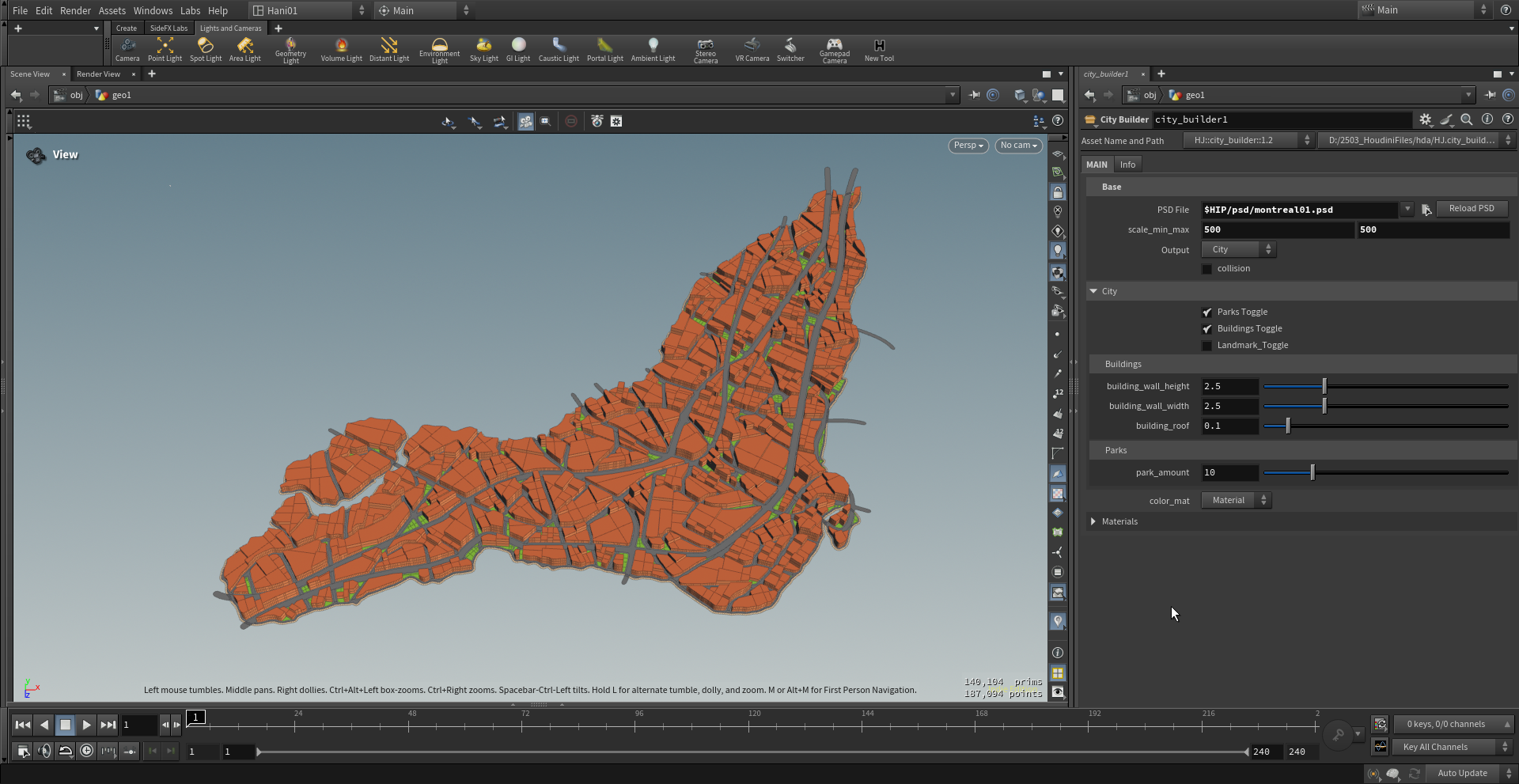
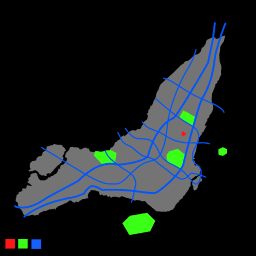
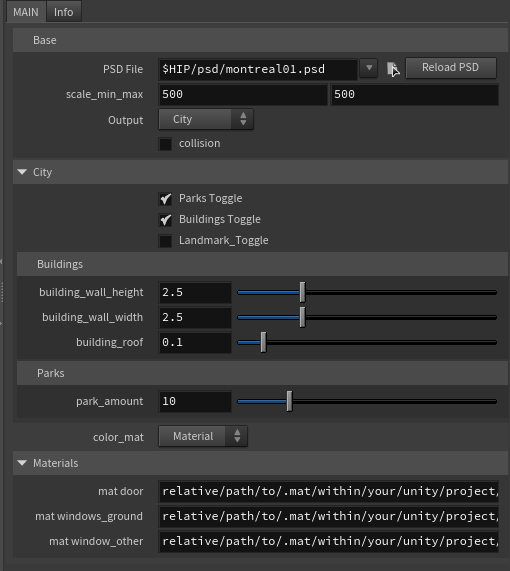
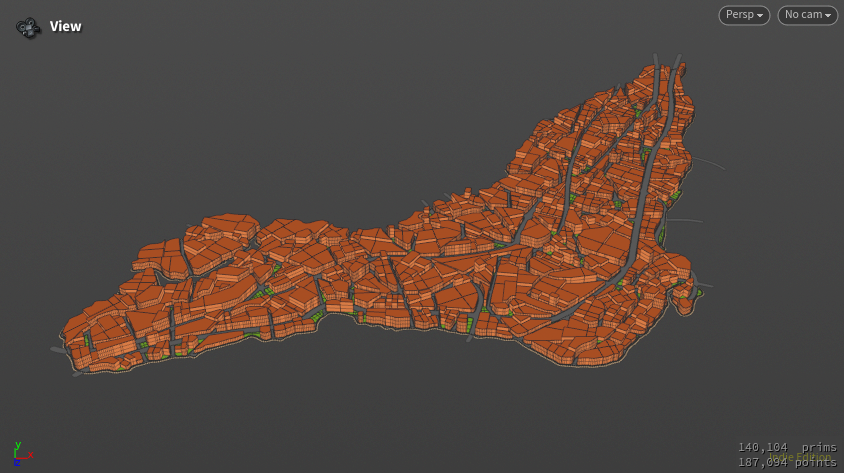
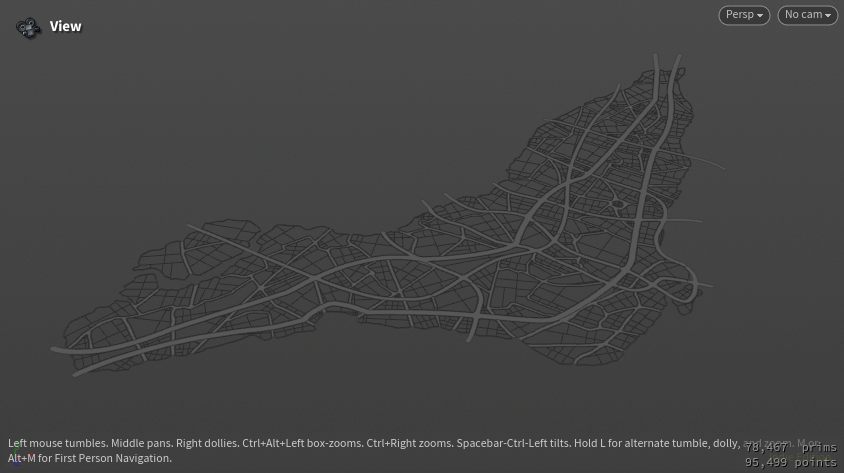
I used the SideFX Labs Trace PSD File workflow to convert layered Photoshop map data into a procedural city inside Houdini. Roads, buildings, parks, and city regions generate directly from image layers — not manual placement.
This kept the city editable at the design level while Houdini handled procedural reconstruction and spatial organization. The city HDA is available on Gumroad.