Stylized URP Shader in Unity Shader Graph
A collection of real-time shader experiments and production-style materials focused on stylized game rendering. These shaders explore readable visual effects, lightweight animation, toon lighting, water surfaces, depth-based blending, Fresnel highlights, and other techniques used to create clear and efficient game visuals.
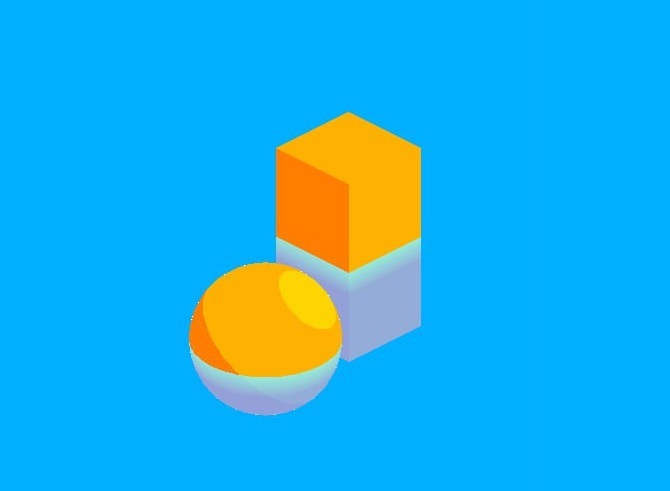
The current examples are built in Unity using Shader Graph and URP, with a focus on stylized water and toon-style object shading. The page will expand over time with additional shaders from Unity, Unreal Engine, and other real-time rendering workflows.
URP Water Shader
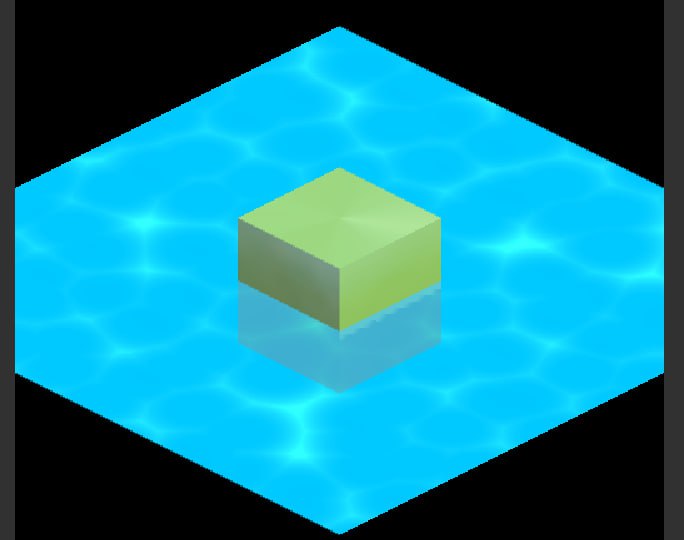
A stylized water surface shader built entirely in Unity Shader Graph targeting the Universal Render Pipeline. Designed for game projects where performance and visual clarity matter more than physical realism.
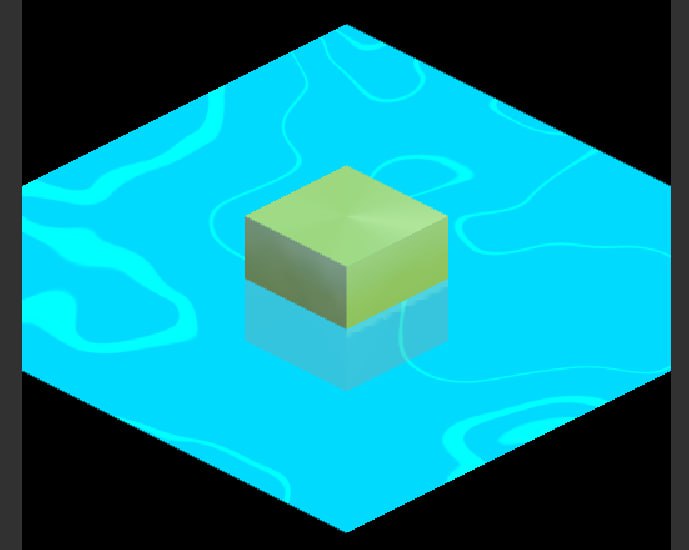
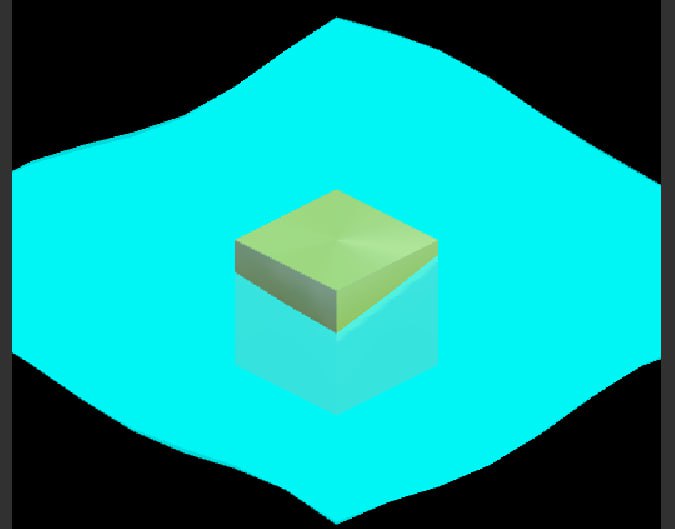
Features
- Stylized water rendering — bright, readable water surface designed for game environments rather than physical realism
- Animated surface waves — scrolling UV layers and vertex displacement create low-cost surface motion
- Depth-based color blending — water color shifts based on scene depth and camera distance
- Foam and intersection effects — depth difference is used to create shoreline and object-contact foam
- Fresnel highlights — view-angle-based highlights improve shape readability
- Toon-style surface shading — simplified lighting, strong color separation, and soft highlight control for stylized objects
- Game-focused performance — shader effects are designed to stay lightweight and usable in real-time scenes
Design Goals
The goal of these shaders is to create stylized real-time materials that read clearly in game environments while staying lightweight. Instead of chasing physical accuracy, the focus is on visual clarity, strong silhouettes, simple controls, and effects that can support gameplay cameras and stylized worlds.
The water shader was designed to tile across larger surfaces, blend visually around intersecting geometry, and provide enough motion to feel alive without requiring simulation. The toon shader explores simplified lighting and color separation for readable stylized assets.
Tools and Techniques
- Unity Shader Graph
- Universal Render Pipeline
- Scene Depth for water blending and foam masks
- Fresnel effects for view-angle highlights
- UV scrolling for animated surface motion
- Vertex displacement for low-cost wave movement
- Toon-style lighting and simplified color ramps